
Interact with your portrait in the main room to change your character. The answer to Invokyr how to change character is a room interaction: your own portrait is the thing to look for. Players have described this method after Early Access launched, so start there when you want to switch the character you were given.
How Do You Change Character in Invokyr?
You change character by interacting with your own portrait in the main room. Keep both parts of that instruction together: the location is the main room, and the target is your portrait. A character slot displayed somewhere else is a different thing to investigate, especially if you are comparing your game with an older Demo experience.
Go to the main room
Look for your character-changing interaction in the main room. This is the location players identify, so make it your first stop instead of working through unrelated menus.
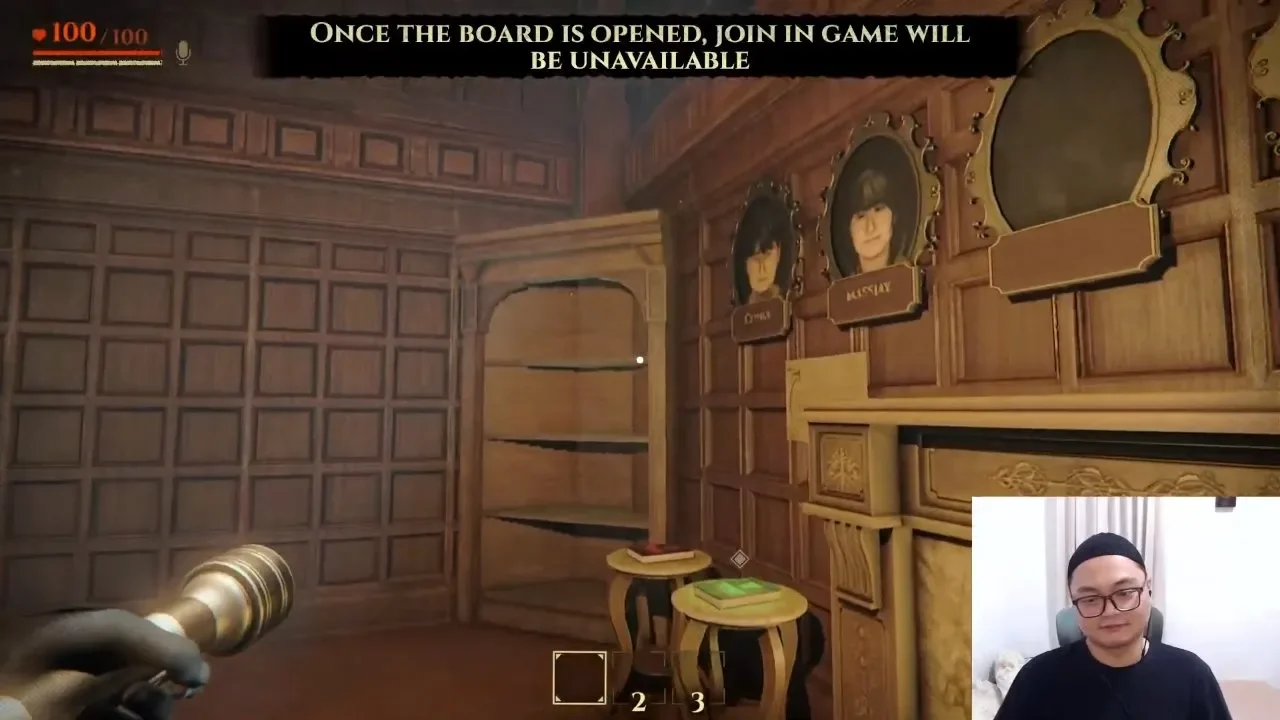
Find your own portrait
Find the portrait that belongs to you. The instruction is specifically to interact with your portrait; it does not describe choosing another player's portrait or using a character slot on the board.
Interact with the portrait
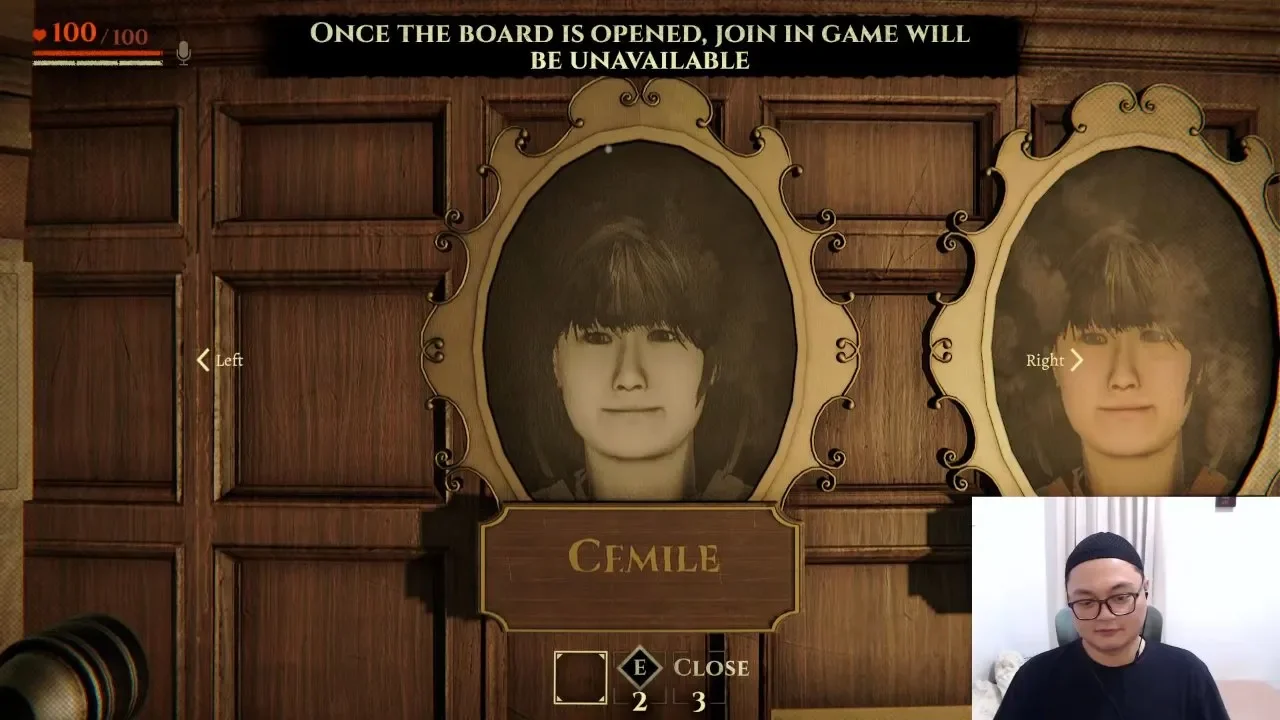
Interact with it to open the portrait selector. Use the Left and Right arrows beside the frame to cycle through the characters, then press E to close the selector once the portrait you want is showing.
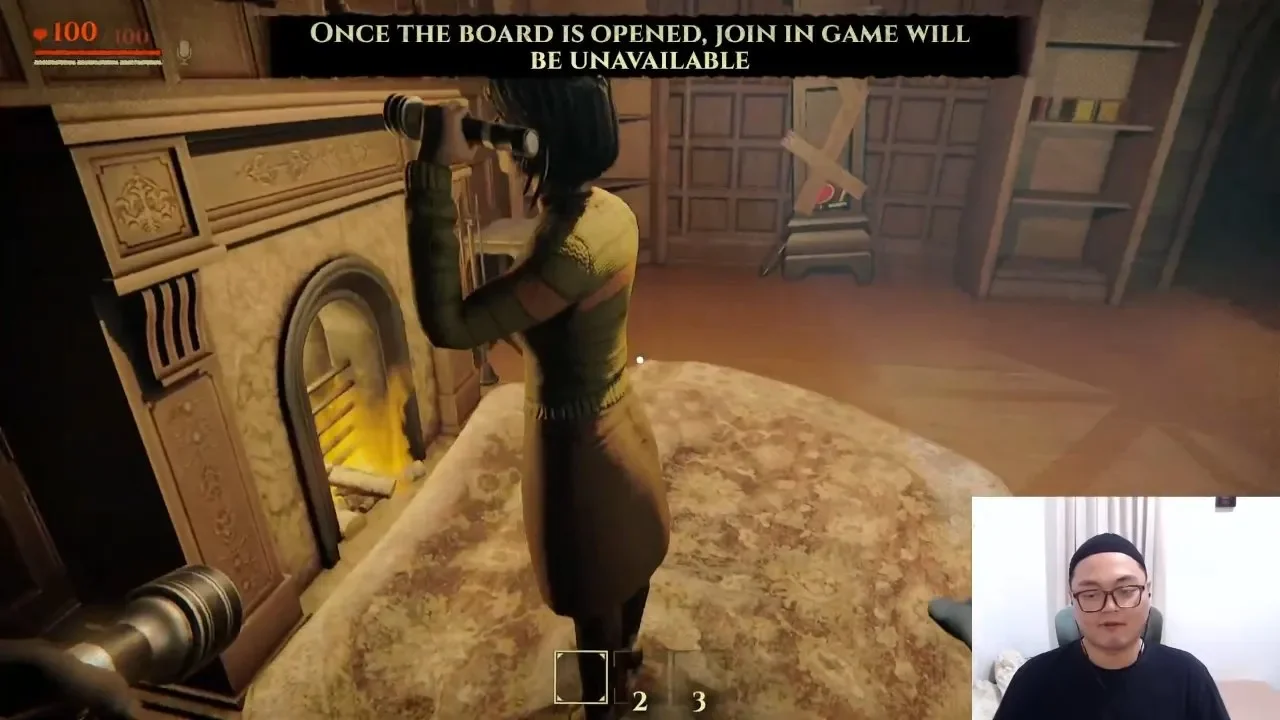
The useful part is knowing where to begin. You can head straight to the portrait interaction without guessing whether character selection belongs in the inventory, a settings tab, or the board itself. Follow the room-and-portrait instruction before assuming the character you started with is your only option.
If you are also learning what to do around the table, continue with how to play Invokyr. Character selection answers who you play as; learning the game answers what you do once you are ready to play.
Why Couldn't I Change Character in the Invokyr Demo?
Character selection was locked in the Demo because the feature was unstable. The developer explicitly described that restriction and said character selection would be available in Early Access. That explains why a Demo player could look for a way to switch and still be unable to do it.
The old restriction and the portrait interaction describe different stages of the game. Early Access was announced as live on October 8, 2026, and players subsequently described changing character through the main-room portrait. An old memory of the locked Demo therefore should not stop you from trying that interaction in Early Access.
There is a useful distinction here: a launch announcement establishes that Early Access began, while the player instruction supplies the actual place to change character. The announcement alone does not tell you which object to use. For this task, the practical detail is the portrait, rather than the earlier promise that the feature would become available.
Does the Fifth Character Slot Let You Change Your Skin?
The 5th character slot did not let one Demo group switch to that skin. A player described 5 character types displayed on the board, with space for a nickname underneath. That presentation made the extra slot look like something the group could select, but their attempts did not produce a usable character.
In the same Demo account, trying to bring in a 5th player led to loading followed by everyone being kicked back to the main menu. The player also said the apparent skin could not be selected and that the slot was empty. Those are specific Demo experiences, not a current player-count rule or a complete character roster.
Treat the 5th-slot report as Demo history. Nobody has confirmed here that the same behavior remains in Early Access. For changing your own character, the main-room portrait is the confirmed interaction to try.
Do You Need an Appearance or Customize Menu in Invokyr?
The confirmed method is the main-room portrait interaction; an Appearance, Customize, or Edit Character tab still needs confirmation. Those menu names should not become a checklist you must complete before you can switch. The same goes for suggested mirrors, wardrobes, or stylist characters: there is no confirmed Invokyr instruction here directing you to one.
Keep the goal narrow when you try the portrait. Changing your character does not, by itself, answer questions about editable facial features, individual clothing pieces, or character abilities. There is no confirmed customization catalog here, so choose based on what the interaction actually offers you rather than expecting a particular set of appearance tools.
After changing your character, you have completed the selection task and can move on to playing. If your next question concerns the game's Cursed Idols, go to Invokyr idols. When you want help progressing beyond character setup, continue with the Invokyr walkthrough.